Research Interest
Research interests are a powerful feature for your site. Once created, they can be tagged to faculty, students, and news articles.
Each research interest page provides a clear snapshot of everything happening in your department, including all associated faculty, students, publications, and news. This makes it an effective marketing tool for prospective graduate students as they decide where to apply.
Note: This feature is available for the Academic Model only.
Creating a Research Interest
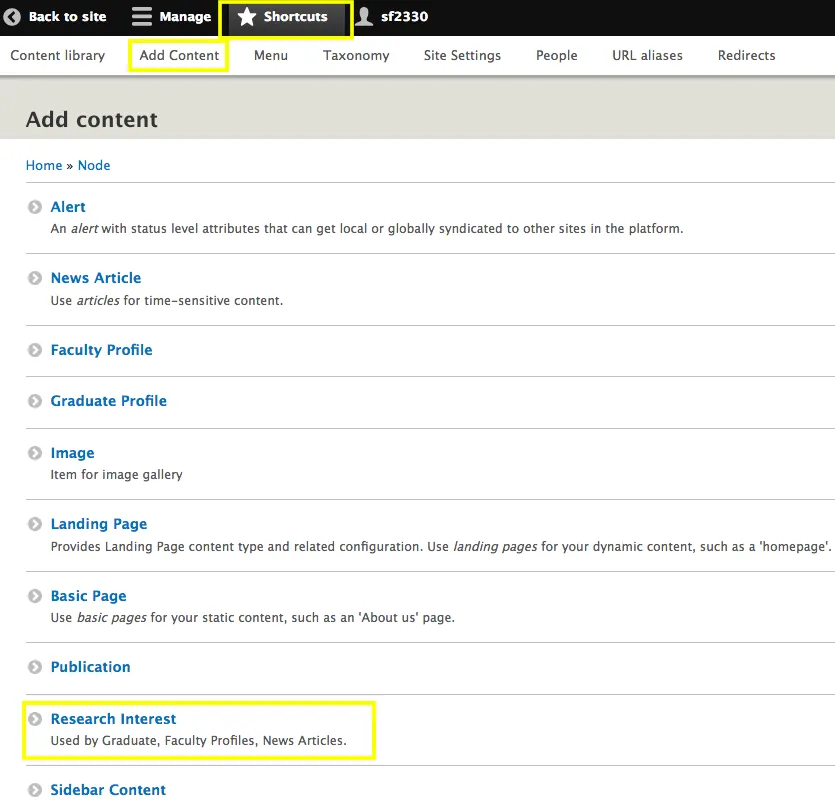
Select Research Interest
- From the Add Content menu, select Research Interest.
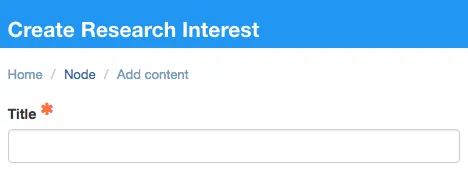
Enter the Research Interest Title
- This title will appear on the site.
- It serves as the nomenclature for tagging faculty, students, and news articles.
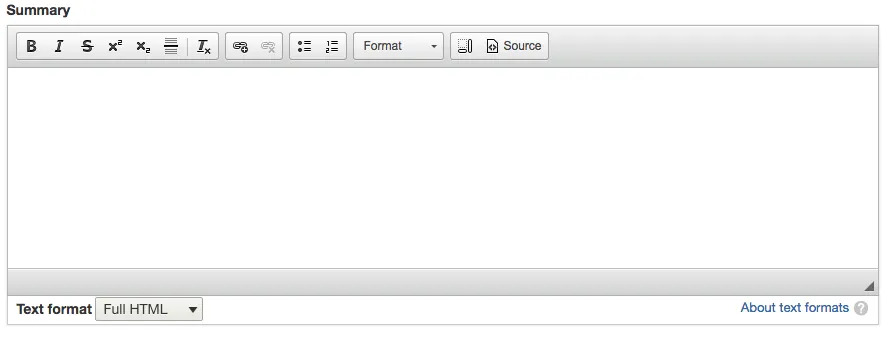
Add a Summary
- Enter a summary for the research interest.
- The summary displays both on the list of research interests and on the individual research interest page.
Create Page Content
- Add content for the page as you would any landing page, using text, images, or other components as needed.
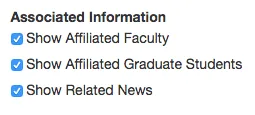
Display Options
- You can choose whether to display affiliated faculty, graduate students, and news articles on the page.
- By default, all options are selected. Uncheck any option you don’t want to display.
Set Priority
- Assign a priority to control the order in which research interests appear on the listing page.
- Lower numbers appear higher in the list.
- If no changes are made, interests display alphabetically by default.

Changing the Label for Research Interests
If your site prefers a different label for research interests:
- Go to Site Settings → Labels & Categorization.
- Update the Research Label field with your preferred name (e.g., “Practice Area”).
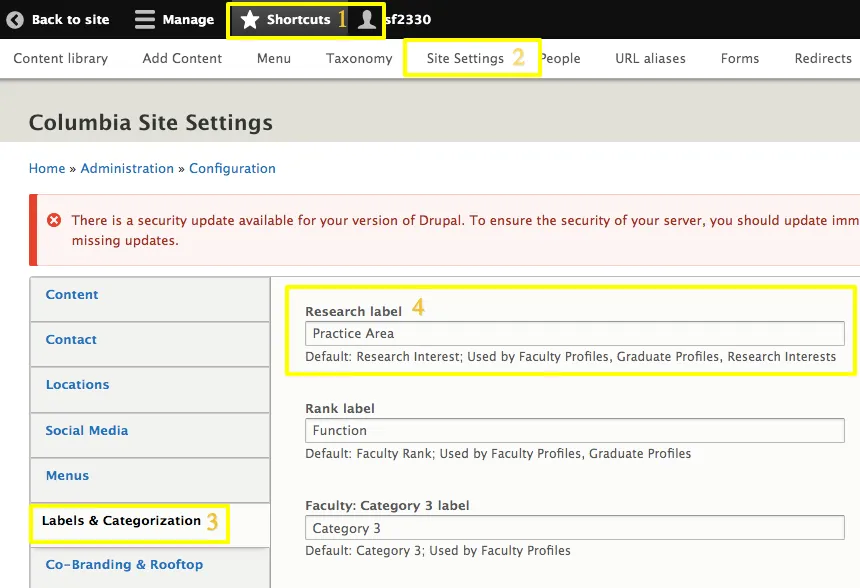
Note: Changing the label updates it across the site, including profile landing pages and individual profile pages, ensuring consistency.
Example: The label now reads Practice Area.
Pages effected
Faculty Profile landing Page

Individual profile page